AI IN PLANNORS
From numbers to explanations—with AI integrated into Finance
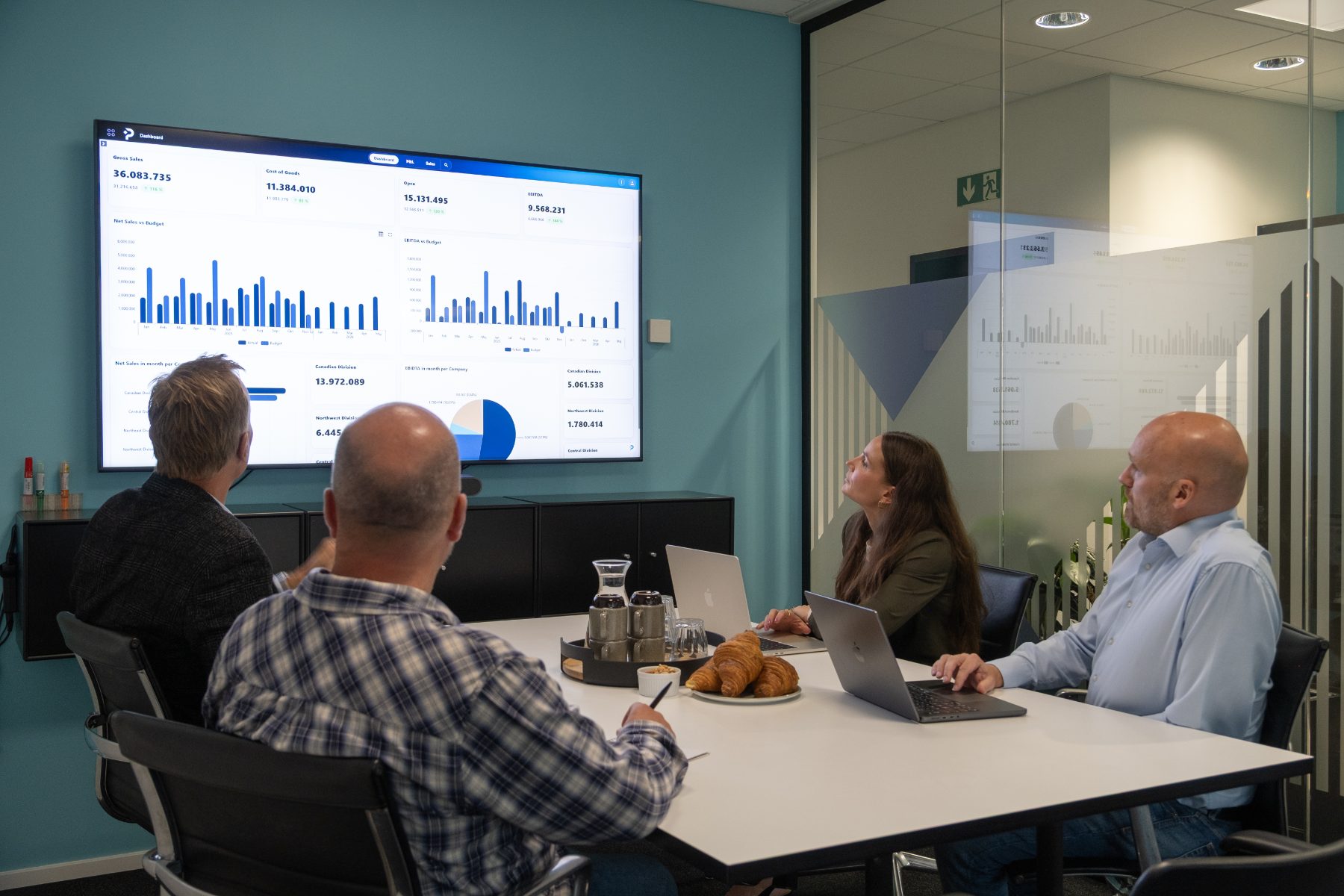
PLANNORS brings AI directly into the work with the company’s financial and operational data. Use AI to identify variances, understand developments, analyse relationships, and support forecasting—directly in the PLANNORS platform.
This makes AI part of the finance processes where data is already used, rather than yet another separate tool alongside.
Spend less time finding answers. More time taking action.
PLANNORS combines performance management with AI-based decision support. AI can help Finance identify relevant variances, explain developments, and create a better basis for analysis and forecasting.
This makes it easier to move from “What happened?” to “Why did it happen—and what should we investigate further?”
The AI capabilities are continuously developed with a focus on specific Finance & Operations tasks where the technology can deliver real value.
AI integrated into the platform
AI on finance data—without turning AI into a separate process
When Finance wants to use AI on financial data, the work does not necessarily have to start by moving data into a separate AI tool.
In PLANNORS, AI functionality is integrated into the platform and can be used in context with the data and finance processes the user is already working with. This makes it possible to use AI for, for example, variance analysis, explanations, forecasting, and insights directly in PLANNORS.
At the same time, governance and access control can define the framework for which data and functions each individual user can work with.

HOW PLANNORS USES AI
How AI works in PLANNORS
In PLANNORS, we distinguish between calculation, analysis, and identification of situations that require attention. This means that AI is not used to calculate the company’s figures, but rather where the technology can help the user find and understand relevant information.
From questions to precise figures
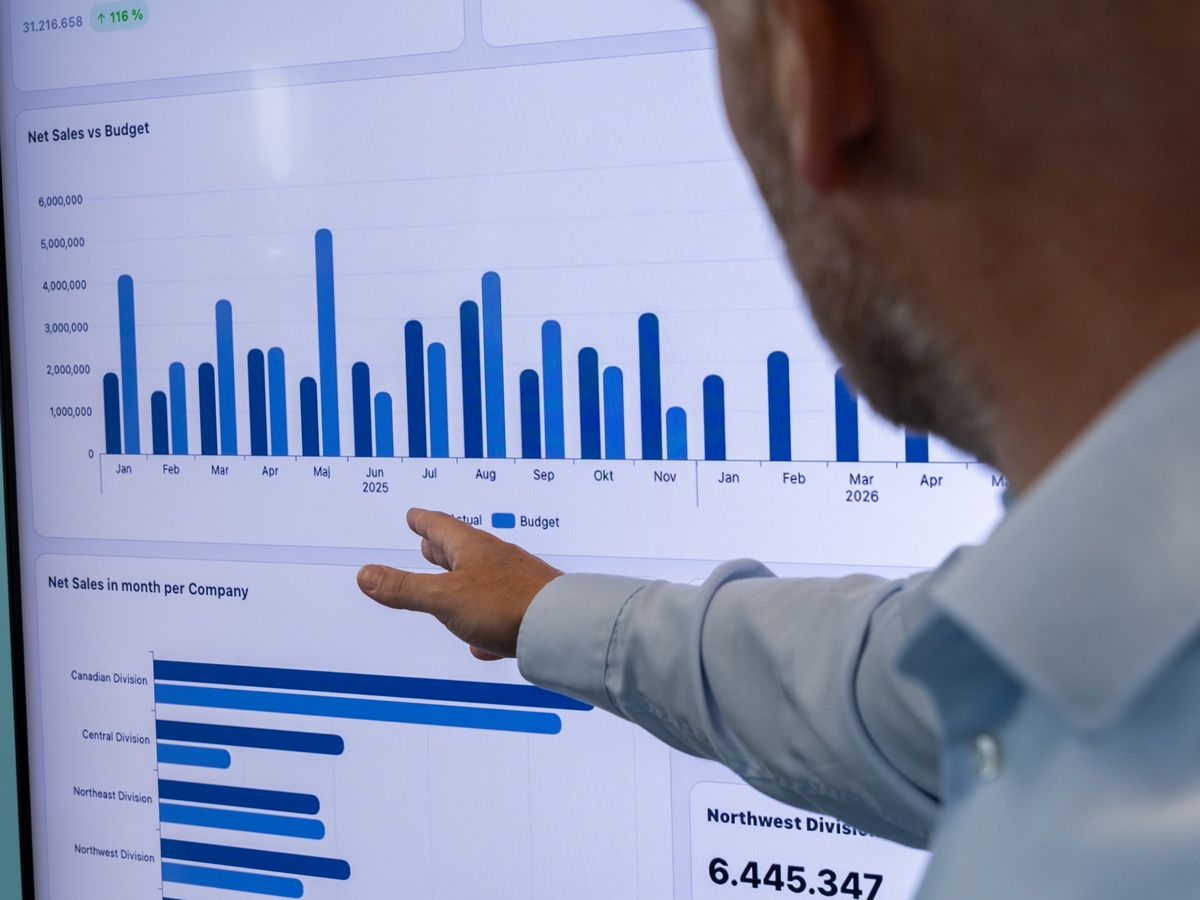
When a user asks a question, AI can translate it into a query that is executed in PLANNORS’ own calculation engine. The figures are calculated according to the system’s fixed rules and are not sent to AI to be calculated. This means that the same query on the same data basis yields the same result.
From figures to insight
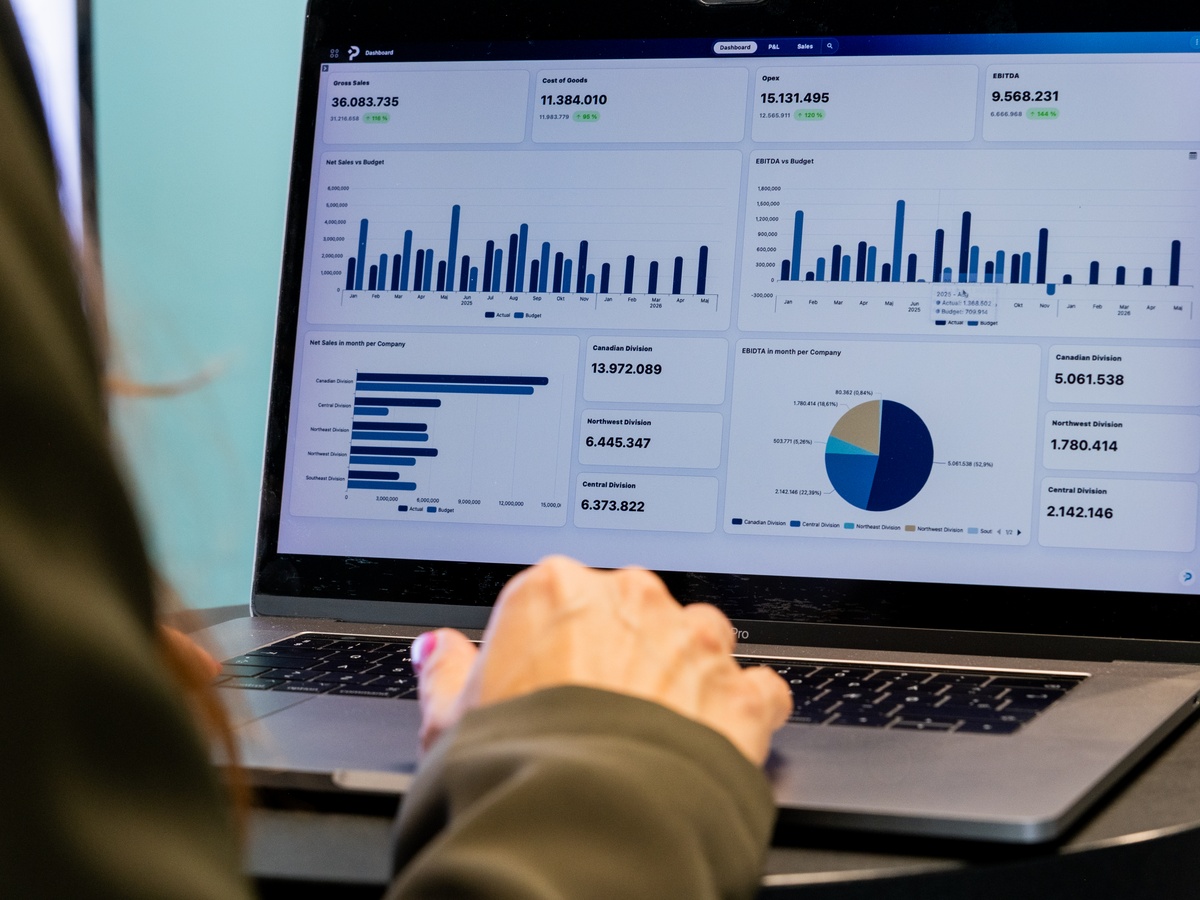
When the user wants an AI analysis, the relevant result can be sent to AI, if data sharing is permitted. AI can then help explain developments, highlight patterns, and provide an overview—solely based on data the user has access to.
From transactions to relevant findings
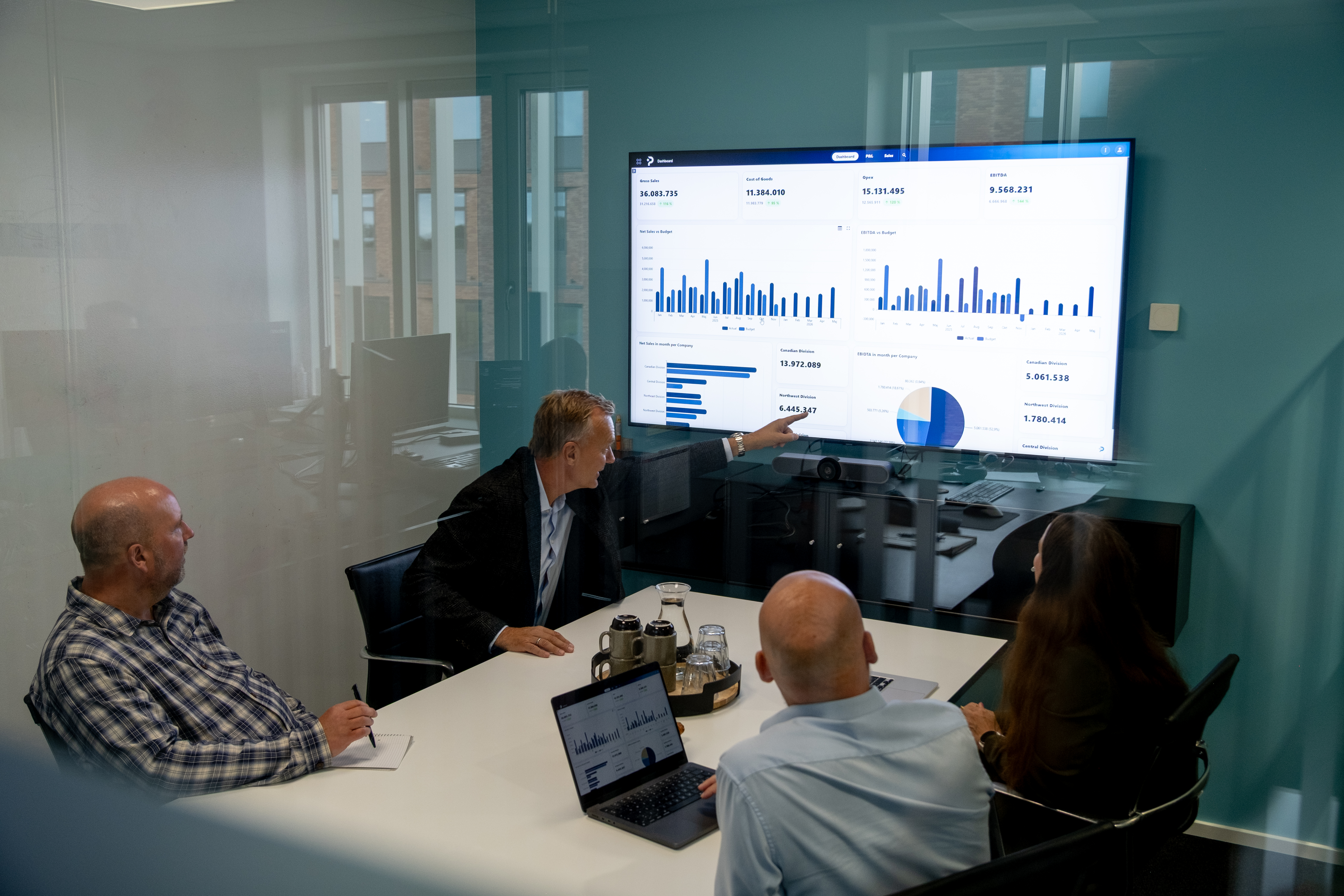
PLANNORS can systematically review transactions and highlight, for example, unusual amounts, rare combinations, breaks in trends, and late postings. This is done using fixed statistical and rule-based methods in PLANNORS’ own engine, so the same data and setup yield the same findings.
The findings are not, in themselves, proof of errors, but indicators of matters that may be relevant to investigate further.
AI CAPABILITIES
AI for the tasks Finance actually works on
From forecasting and variance analysis to natural language and intelligent insights. AI in PLANNORS is developed with a focus on specific Finance & Operations tasks, where the technology can help the user find, understand, and work further with relevant information faster.

AI-assisted forecasting
Analyse historical patterns, trends, and seasonal fluctuations, and use AI to support forecasting work. This gives Finance a data-driven starting point that can be assessed and developed further as part of the broader planning process.

Explaining variances
Use AI to support the analysis of differences between, for example, actuals, budget, and forecast. This can help Finance find relevant explanations for developments faster and identify where further analysis is needed.

PLANNORS Assistant (PA)
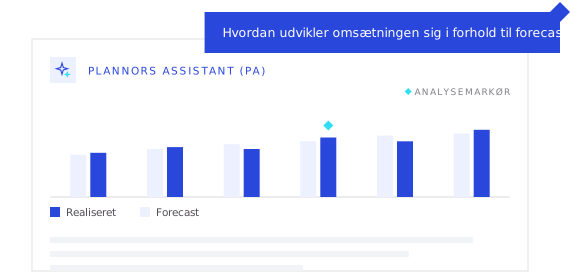
Ask questions about your company data in natural language. For example, ask about developments in revenue, costs, KPIs, or forecasts, and use the PLANNORS Assistant as a faster path into analysis.

Intelligent variance analysis
Identify unusual developments and variances in data that may require attention. AI can help highlight relevant patterns and data points, so Finance does not have to start analysis by manually reviewing every dimension.

AI-driven insights
Use AI to highlight relevant changes, patterns, and relationships in data. This gives Finance a faster starting point for understanding developments and determining where further analysis is needed.

MCP and open AI integrations
PLANNORS supports Model Context Protocol (MCP), which can create a standardised connection between PLANNORS and compatible AI solutions. This opens up new ways to bring PLANNORS data and functionality into AI-based workflows.
PLANNORS Assistant (PA)
Ask questions about your data—in natural language
PLANNORS Assistant makes it easier to go from questions to analysis. For example, the user can ask about developments in revenue, costs, KPIs, budgets, or forecasts without first having to build a new report or search across multiple views.
The answer can be combined with the relevant data context, visualisations, and variance analysis, so the user not only sees what happened, but is also helped to understand why.
AI & GOVERNANCE
AI without losing control
Financial data is among the company’s most business-critical information. Therefore, AI must not sit outside the governance principles Finance already works by.
In PLANNORS, AI is linked to the platform’s data and access structure, so AI can support analysis and decisions within controlled frameworks.
Editions
AI that scales with your needs
The AI functionality in PLANNORS depends on the edition selected. From PLANNORS Assistant to more advanced forecasting, variance analysis, and AI integrations, functionality can be expanded in step with the organisation’s needs.

FAQ
Frequently asked questions
Four of the questions we are most often asked about AI in PLANNORS. The rest are on the FAQ page.
PLANNORS uses AI for specific Finance & Operations tasks such as forecasting, variance analysis, identifying unusual developments, and asking questions about data in natural language. The purpose is to help users understand developments faster and create a better basis for analysis and decisions.
PLANNORS Assistant (PA) makes it possible to ask questions about the company’s data in natural language. For example, questions about developments in revenue, costs, KPIs, budgets, or forecasts.
AI is integrated into PLANNORS and linked to the platform’s data and access structure. This means AI can be used as part of the Finance processes within the governance principles and access rights the organisation works with.
MCP stands for Model Context Protocol and is an open standard that makes it possible to create connections between AI applications and external data and tools. In PLANNORS, MCP can be part of the integration between the platform’s data and relevant AI solutions.
Next steps
See AI working on your data
Book a demo and experience how AI in PLANNORS can support forecasting, identify variances, explain developments, and make it easier to find answers in your company data.