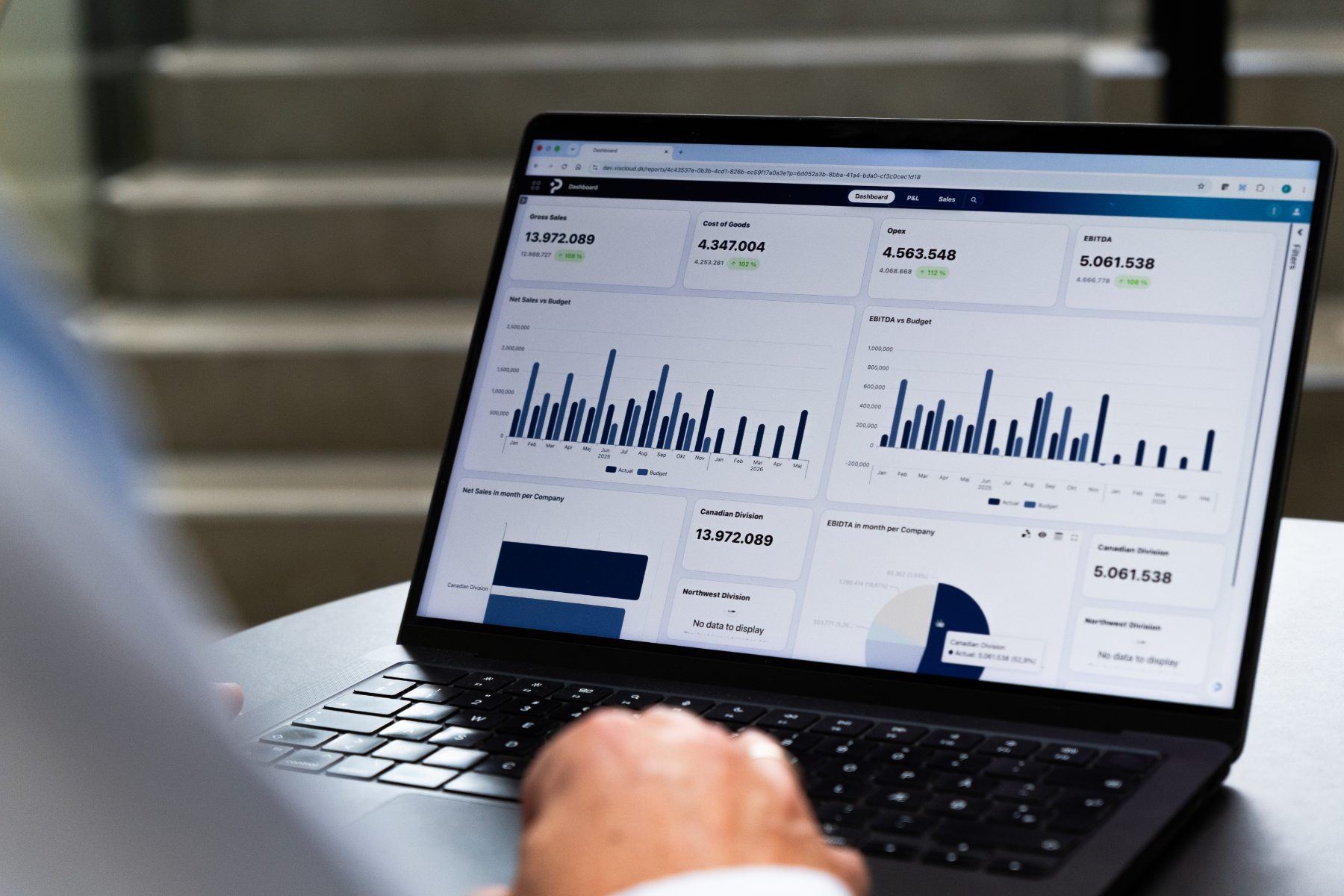
Cost budgeting
Understand what drives costs – and where they end up
Budget costs based on the assumptions that actually drive them, and allocate overheads across companies, departments, and cost centers. In PLANNORS, allocation keys and derived effects can be built into the budget model, giving Finance stronger alignment between costs, drivers, and the financial plan.
When assumptions change, the financial impact can be recalculated without manual intermediate calculations in separate spreadsheets.

When the business changes, the cost budget must keep up
More employees, changed activity levels, new locations, or other assumptions can change a company’s costs and their allocation. In PLANNORS, costs can be linked to relevant drivers and allocation keys, so changes in assumptions can be carried through in budget and forecast.
This provides Finance with a more dynamic cost budget and makes it easier to understand what drives the development – and why costs change.
WHEN THE COST BUDGET BECOMES MANUAL
Where does the cost come from – and why is it posted there?
A cost budget often consists of far more than amounts in accounts. Overheads must be allocated, activities and staffing change, and different parts of the organisation work with their own assumptions.
When calculations and allocation keys are kept in separate spreadsheets, it quickly becomes difficult to see what drives costs, how they are allocated, and which assumptions the budget is based on. If activity, the organisation, or other key drivers change, Finance often has to update calculations and allocations in multiple places.
That makes the cost budget burdensome to maintain – and harder to explain when the business asks why costs have changed, and where they end up.

FROM DRIVER TO COST AND ALLOCATION
Let costs follow the assumptions that create them
In PLANNORS, costs can be budgeted based on relevant drivers and allocated according to defined allocation keys. For example, this could be activity, volume, employees, or other assumptions relevant to the individual cost.
The allocation logic can be incorporated into the budget model, making it clear what is allocated, where the cost is posted, and which assumptions the calculation is based on.
When the underlying assumptions change, the derived effects can be recalculated and included in the updated budget or forecast.
FROM OVERHEAD TO ALLOCATION
From overhead to the right allocation
Overheads such as IT, rent, and administration can be allocated across companies, departments, and cost centers according to defined drivers and allocation keys.
The figure therefore shows, very concretely, how an overhead can be allocated based on the logic defined in the model.
The allocation key is in the model, not in a separate spreadsheet.
COST BUDGETING IN PLANNORS
From drivers to allocation and financial impact
PLANNORS makes it possible to work with costs based on the factors that actually drive them – and to connect budgeting, allocation, and follow-up on the same data foundation.

Driver-based cost budgeting
Link costs to activities, volume, resource consumption, and other business drivers. When assumptions change, the financial impact becomes visible in the same model.

Automatic derived effects
Let changes in one assumption affect the related parts of the budget and forecast. This reduces the need for manual intermediate calculations and creates better alignment across planning.

Allocation of overheads
Allocate overheads across companies, departments, locations, or cost centers using defined allocation keys such as activity, volume, area, or consumption.

Transparent allocation keys
Bring the allocation logic together in the model so Finance can see and document which assumptions and rules a cost allocation is based on.

Scenarios and forecasting
Explore how changes in, for example, activity level, prices, staffing, or other cost drivers impact the forecast and the overall financial plan.
MEET PLANNORS
Built for the way Finance works today
Finance must work faster, involve more people, and create a stronger basis for decision-making – while complex processes, data, and governance must be connected.
Hear our CTO, Flemming Nielsen, explain how PLANNORS brings budgeting, forecasting, consolidation, and reporting together in one cloud-native Finance & Operations Platform – and how AI is integrated directly into the platform for insights, variances, and forecasting, among other things.


Customer testimonial · DST-CHEMICALS
“VIS has been a core system for us for many years and has been an important part of our budgeting process, especially when our sales department contributes to budget and forecast. With PLANNORS, we expect that our salespeople’s work in the platform will become easier and more efficient.”
Mogens Hørlück-Pedersen
CFO | DST-CHEMICALS

EXPLORE MORE BUDGET PROCESSES
Build on the cost budget
Costs do not stand alone. See the PLANNORS solutions most closely connected to drivers, resource consumption, and the overall financial plan.

Financial budgeting
See the impact of costs on profit and loss, balance sheet, and cash flow.

Payroll budgeting
Link employees, positions, and payroll costs to the overall plan.

Activity Based Costing
Allocate indirect costs by activity and understand what customers, products, and services really cost.

Scenario planning
See how changes in cost drivers affect different future outcomes.

Reporting
Track cost developments and explain variances against budget and forecast.
Next step
See the allocation model in practice
Book a demo and see how PLANNORS brings cost budgeting, allocation keys, and derived effects together in one model – and how changes in assumptions can be carried through in budget and forecast.