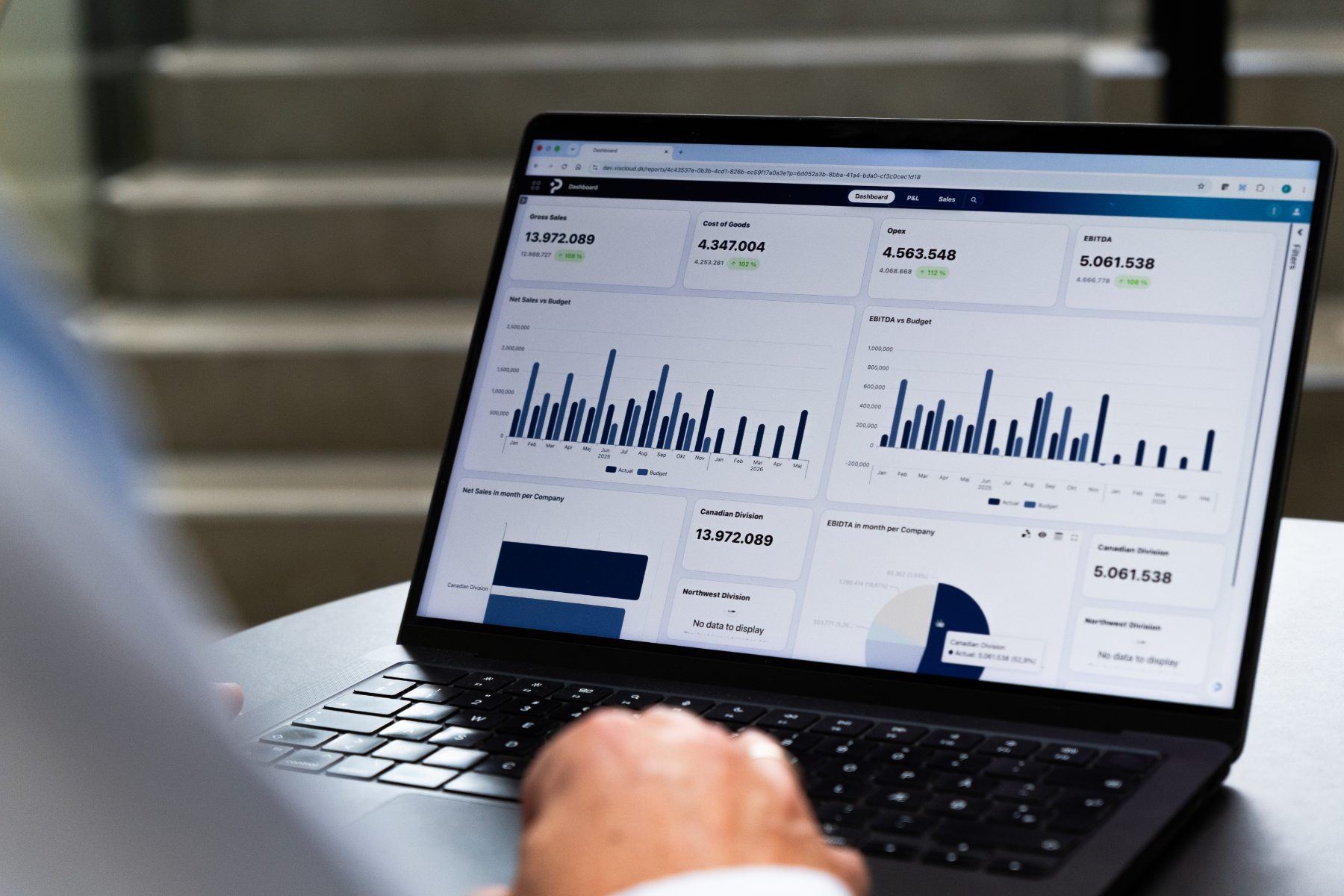
BUDGETING IN POWER BI
Power BI is not only reporting. It is also planning
With PLANNORS, users can enter and adjust budgets and forecasts directly in Power BI. Write-back connects Power BI with the PLANNORS Platform, enabling users to work with input, reporting, and analysis in the same familiar environment.
Budget input is written back to PLANNORS, where it becomes part of the ongoing budgeting and forecasting process—and can subsequently be analysed directly in Power BI.

Budgeting and analysis in the same environment
Power BI is already used for reporting and analysis in many organisations. With PLANNORS, budgeting and forecasting can be brought into the same environment, allowing users to enter and adjust data directly from Power BI.
Write-back sends input back to the PLANNORS Platform, where the data is included in calculations and the ongoing budgeting and forecasting process. The result can then be used directly in the reporting and analysis users already work with.
WHEN PLANNING AND REPORTING ARE SEPARATE
The analysis is in Power BI. The budget is somewhere else
Many companies already use Power BI to track actuals, analyse performance, and report across the organisation. However, when the budget or forecast needs to be updated, the work often takes place in another system or in spreadsheets.
This means users have to move between different environments, while input must then be transferred, loaded, and validated before it can be included in reporting.
This creates an unnecessary disconnect between the analysis users work with and the inputs and assumptions that need to be included in the budget and forecast.

FROM REPORT TO PLATFORM—AND BACK AGAIN
Enter the budget directly in Power BI—with PLANNORS
Normally, data moves from the data foundation into Power BI for reporting and analysis. With PLANNORS write-back, the user can also work in the other direction.
Budget and forecast input can be entered directly in Power BI and written back to the PLANNORS Platform, where it is included in calculations and ongoing planning. When data is updated, the result can be used again in Power BI.
This means the user can go from analysis to input—and back to analysis—without changing environments.
This creates a coherent flow between input, calculation, budgeting, forecasting, and analysis in the Power BI environment users already know.
The figure is entered in the report and lands in the model that the report itself reads from.
BUDGETING IN POWER BI WITH PLANNORS
From analysis to input—without changing environments
Use Power BI as the entry point for budgeting and forecasting, while PLANNORS handles the model, calculations, and the planning process behind the scenes.

Write-back directly from Power BI
Enter and adjust budget and forecast data directly from Power BI. Input is written back to PLANNORS and becomes part of the ongoing planning.

Work in the context of the report
Filters and dimensions in Power BI can be used as context for input, enabling the user to work with, for example, company, department, customer, product, or period where the analysis already takes place.

Calculations and downstream effects
When an assumption changes, PLANNORS can calculate the financial impact and propagate the change to the relevant parts of the plan.

Shared data foundation
Budgeting, forecasting, and reporting can work on the same underlying data foundation, giving Finance, the business, and management better alignment between input and analysis.

Governance and traceability
PLANNORS supports roles, permissions, and traceability around input, so write-back can be part of a controlled planning process.
MEET PLANNORS
Built for how finance works today
Finance needs to work faster, involve more people, and create a stronger basis for decision-making—while ensuring that complex processes, data, and governance remain connected.
Hear our CTO, Flemming Nielsen, explain how PLANNORS brings budgeting, forecasting, consolidation, and reporting together in a single cloud-native Finance & Operation Platform—and how AI is integrated directly into the platform for, among other things, insights, variances, and forecasting.


Customer testimonial · Kohberg
“We use VIS in many areas of the business and are very satisfied with the solution. At the same time, we see some exciting opportunities in PLANNORS, and therefore, as a first step, we have chosen to move parts of our VIS solution onto the new platform.”
Mathias Gefke
Business Intelligence Manager | Kohberg

EXPLORE RELATED SOLUTIONS
Build on your Microsoft and Finance setup
Budgeting in Power BI connects analysis and planning. Explore the solutions that create alignment between data, budget, forecast, and reporting.

Financial budgeting
Connect the income statement, balance sheet, and cash flow in the overall financial plan.

Data Management
Create the data foundation that Power BI and PLANNORS build on.

Budgeting and forecasting
Work with budget, forecast, drivers, and ongoing follow-up on the same data foundation.

Reporting
Track performance and analyse budget, forecast, and actuals.

Scenario planning
Test different assumptions and see the consequences before the plan is changed.
Next step
See write-back in your own Power BI model
Book a demo and see how PLANNORS can bring budgeting and forecasting into Power BI. We will show the flow from input in the report to PLANNORS and back to analysis and reporting.